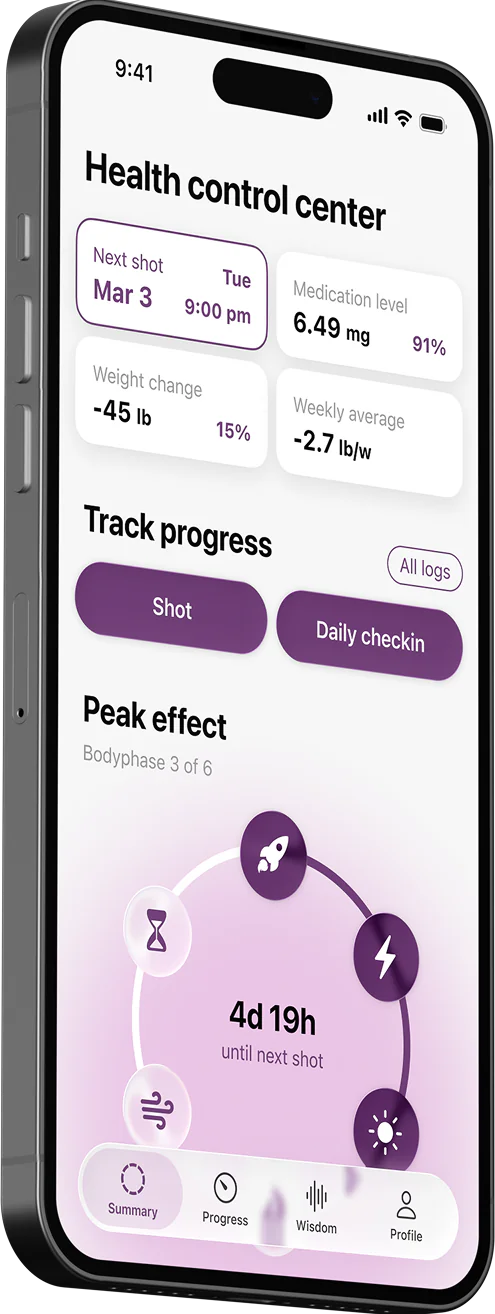
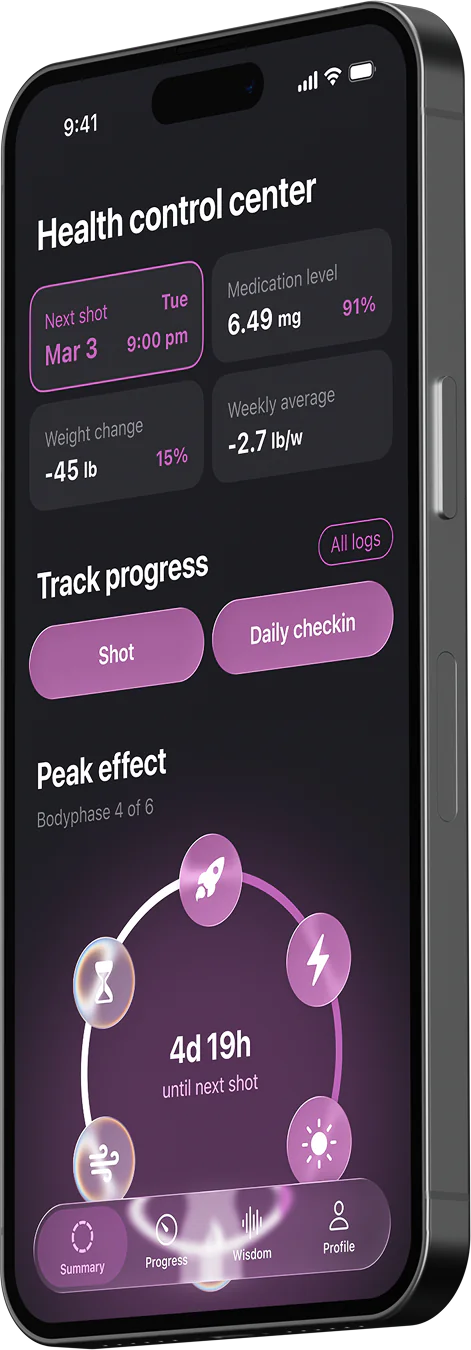
How Glapp Helps You Track GLP-1 Side Effects
Track your response to Wegovy, Zepbound, Ozempic, and Mounjaro with personalized symptom charts.

Side effects are a normal part of GLP-1 therapy. In one large Reddit-based analysis, 43.5% of users reported at least one side effect. Clinical studies also show that gastrointestinal side effects affect up to 40% of users, while nausea alone can occur in up to 50% of people.
That’s not a small number. And yet, most people on GLP-1 therapy have no structured way to document what they feel, when they feel it, or how that changes over time. Glapp was designed to fill exactly that gap.
Tracking your side effects helps you understand how your body responds to treatment and gives your healthcare provider a much clearer picture of your progress.
How to Log Your Experience and Symptoms
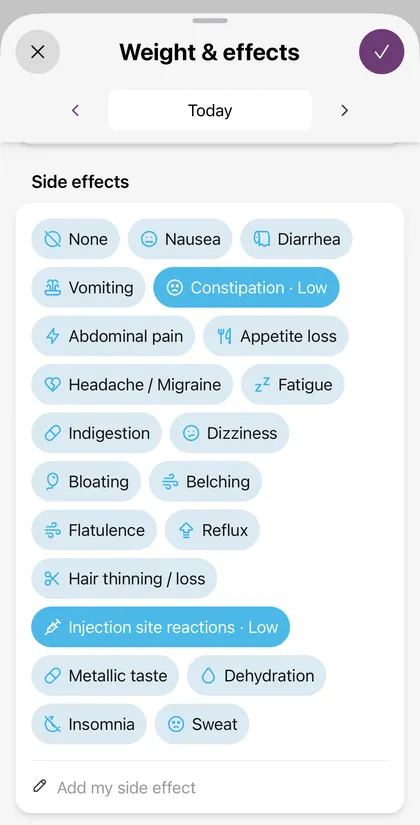
Glapp covers the most clinically documented GLP-1 side effects, identified from both trial data and real-world user reports. Logging your daily experience in Glapp is quick and straightforward. You simply tap “Weight & Effects” from the main screen to record how you are feeling. To make logging intuitive, we track a comprehensive range of side effects organized into clear, relevant groups based on how they affect your body.
First, we track gastrointestinal symptoms, which include nausea, diarrhea, vomiting, constipation, and abdominal pain. Next are the digestive discomforts, covering indigestion, bloating, belching, flatulence, and reflux. We also track systemic and neurological symptoms, so you can log any headache or migraine, fatigue, dizziness, and insomnia. Finally, we cover treatment-specific changes, which include appetite loss, hair thinning or loss, injection site reactions, metallic taste, and dehydration.
When you log any of these symptoms, you assign it a severity level of low, medium, or high. Recording the severity is incredibly helpful because it allows you to see if a symptom is fading away as your body gets used to the drug, getting worse, or staying stubbornly consistent as the weeks go by.
Tracking Good Days and Unique Symptoms
Not every day of GLP-1 treatment includes side effects. Glapp lets you log “No Side Effects” on symptom-free days. Recording these days is important because it provides a more complete and accurate view of your treatment over time and shows how your body is adapting.
At the same time, GLP-1 responses are highly individual. You may experience effects that are not included in the standard list. If something unusual appears—such as vivid dreams or increased sweating—you can add a custom side effect. This allows you to track personal symptoms alongside standard GLP-1 side effects in a consistent way.
How to Read Your Side Effect Data in Glapp
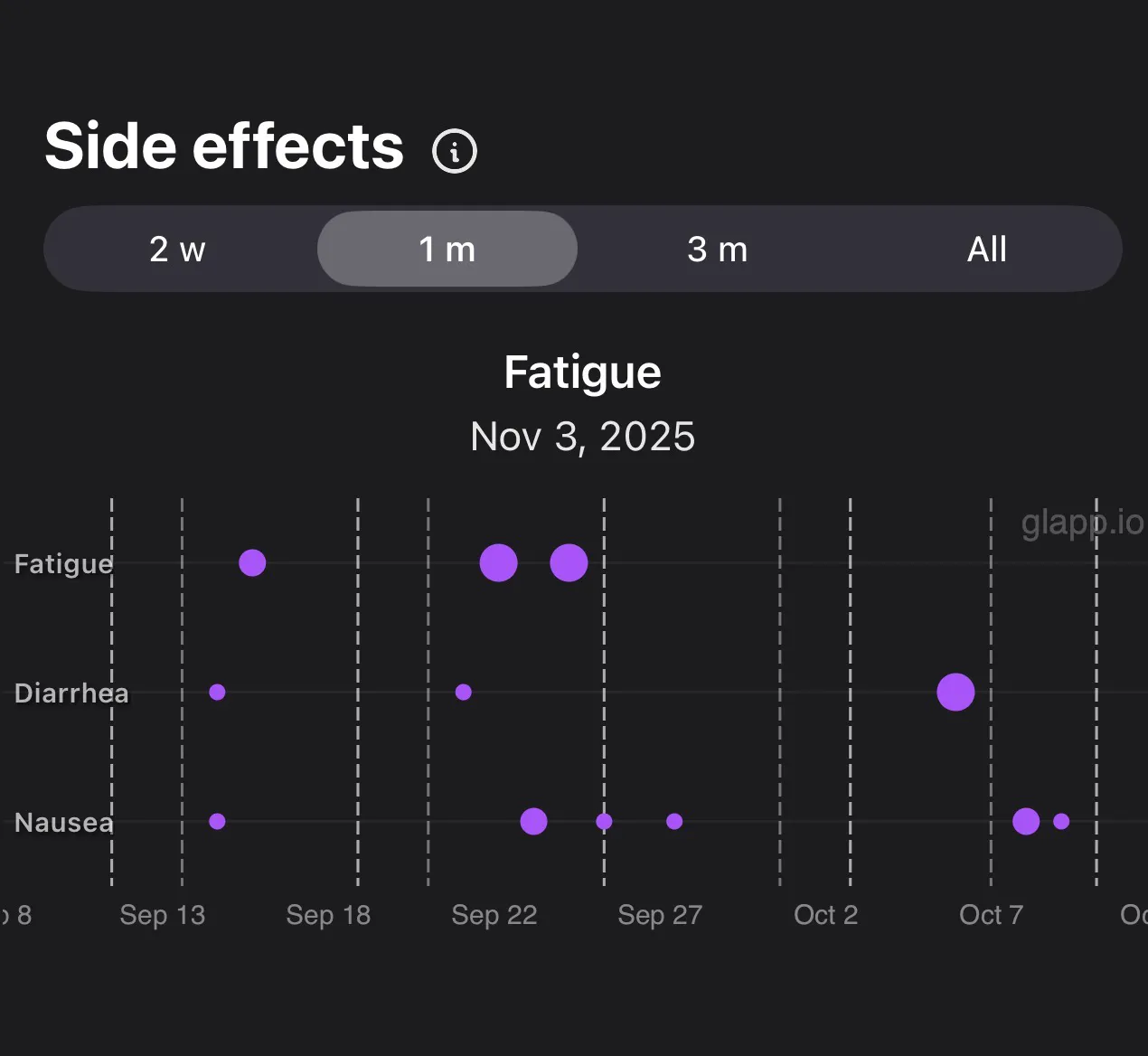
All of your daily logging comes to life in the Progress tab, available on both iOS and Android. Here, you will find two visual reports that do the heavy analytical lifting for you.
The Side Effects chart organizes your data with each side effect as its own row and time running along the horizontal axis. Each dot marks an occurrence on a specific date. The size of the dot reflects severity—a larger bubble indicates a more intense experience on that day. At a glance, you can see which symptoms appear most frequently, whether they cluster around certain dates, and whether intensity is trending up or down over time. This is the kind of symptom history that makes clinical conversations far more productive.
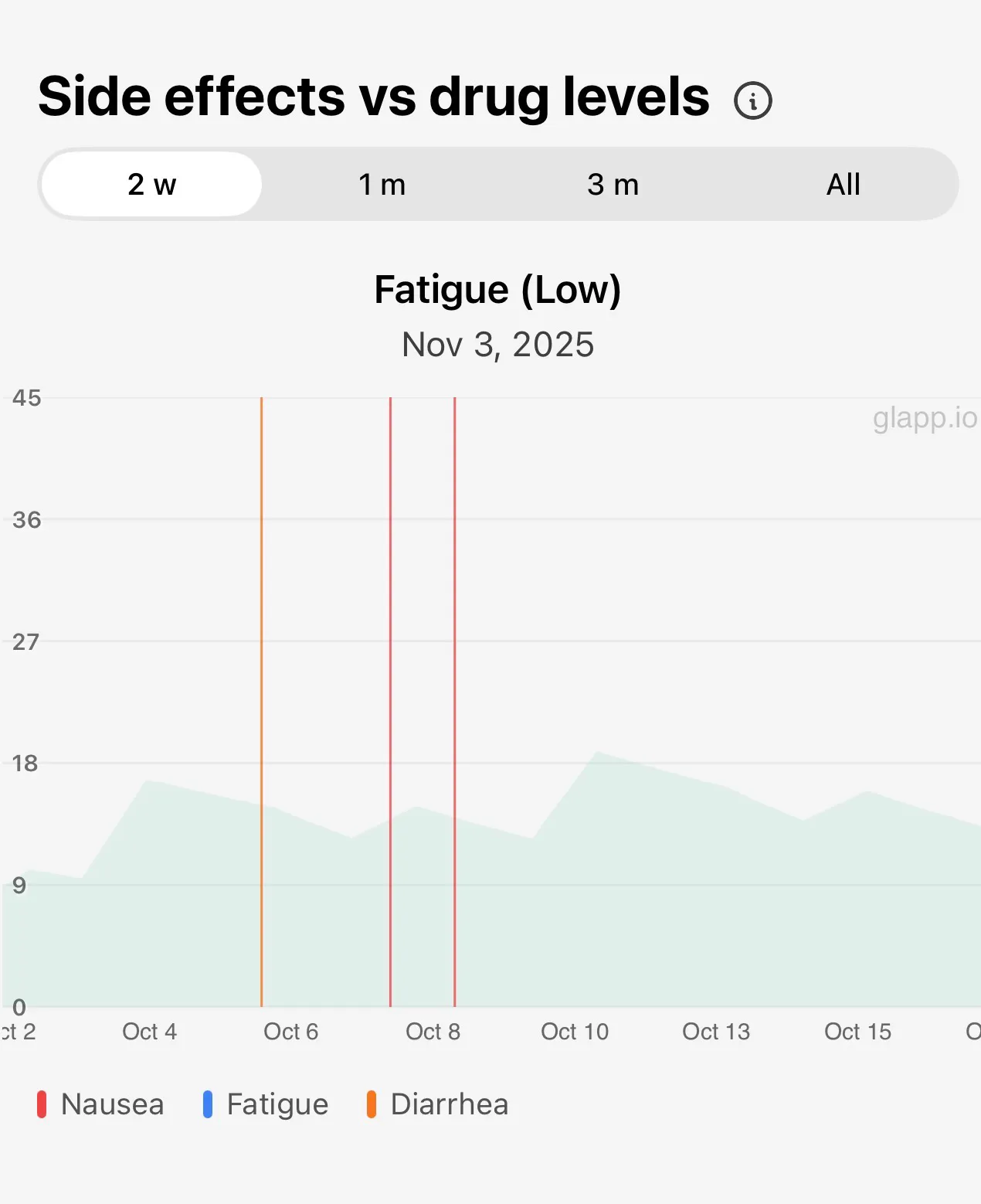
The Side Effects vs Drug Levels chart adds another layer of insight. A shaded area shows the estimated medication level in your body over time, based on the known pharmacokinetics of GLP-1 drugs. Vertical lines mark when symptoms occurred. By looking at both together, you can begin to understand whether your symptoms tend to peak when drug levels are highest, whether they ease as levels decline, and whether dose changes correspond to changes in what you feel.
Practical Use: What Patterns to Look For
Once you start tracking, you can use these charts for highly practical insights into your weight loss therapy. You will specifically want to look for symptoms that show up soon after a dose. It is also important to observe whether those symptoms gradually fade as the medication level declines in your system later in the week. Pay attention to whether one specific side effect appears much more often than the others. Finally, keep an eye out for whether your symptoms happen right after your dose increases or if they occur after injections in a particular time interval.
Weekly Insights Done for You
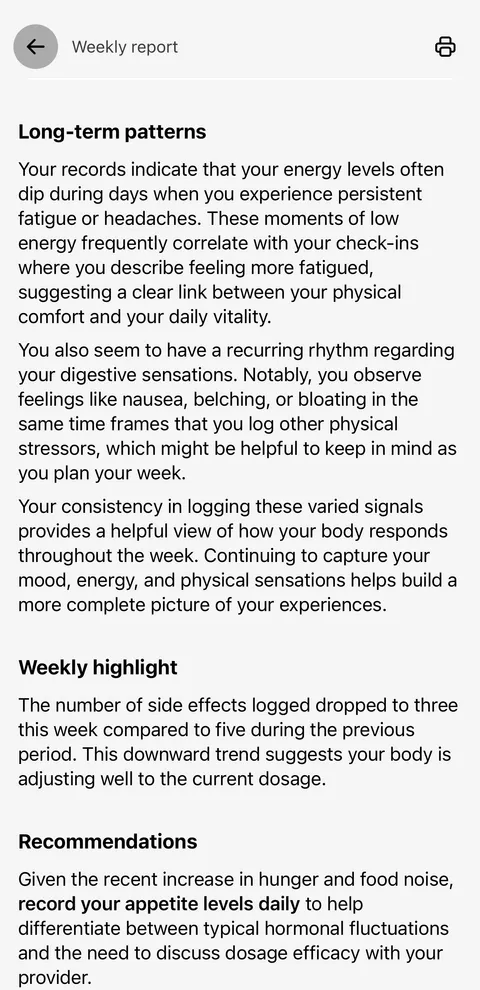
You do not have to analyze all this data or figure out these trends on your own. Every week, Glapp automatically reviews your logs to find meaningful connections. When it spots one, the app delivers personalized insights, practical recommendations, and educational tips based entirely on your own data.
For example, Glapp might notify you that your fatigue noticeably increased right after your recent dose went up. It might point out that your nausea usually peaks the day after your injection, or it could deliver the encouraging news that your constipation has become much less frequent over the past month.
Progress Reports are part of Glapp Max, unlocking deeper weekly analysis and more advanced personalized insights built from your tracking data.
GLP-1 weight loss works best when people using these medications have the tools to understand what’s happening in their bodies. Glapp was built around that idea—not as a replacement for clinical care, but as the kind of structured, visual record that makes clinical care more informed.
If you’re on a GLP-1 medication and not currently tracking your side effects, starting is simpler than it sounds. A few taps a day, graded by severity, add up to a picture of your therapy that no amount of memory can provide.